How to Download YouTube Thumbnail on Android Gallery in HD
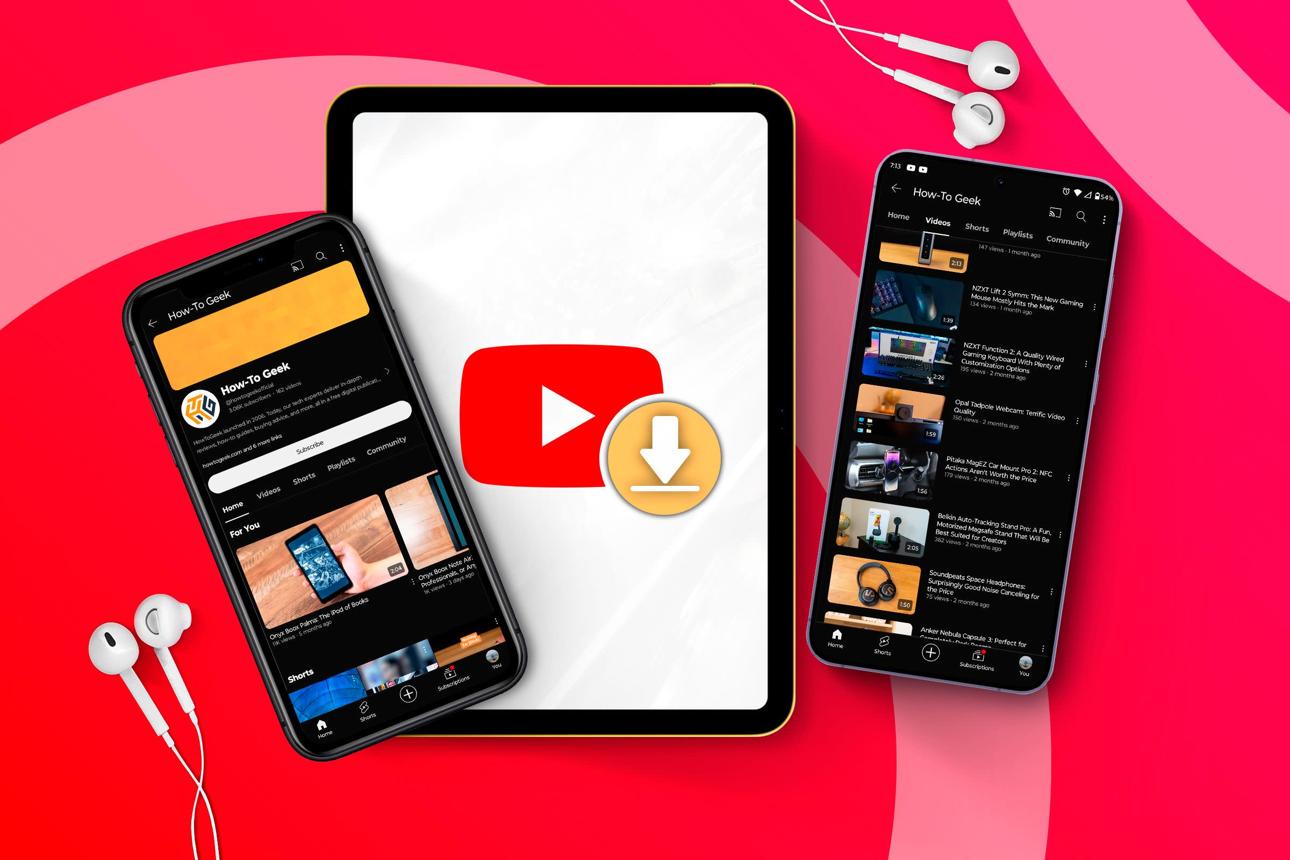
Downloading a YouTube thumbnail directly to your Android gallery is much easier than most people think. Whether you want to save a video cover for inspiration, design research, presentations, or personal reference, you can download the original thumbnail image in HD quality without installing any additional app on your phone.
💡 Quick Tip:
Most YouTube video thumbnails are available in high resolution up to 1280x720 pixels. Using a direct thumbnail downloader helps you save the original image quality instead of taking a blurry screenshot from your screen.
Why Screenshots Look Blurry on Android
Many Android users try to save YouTube thumbnails by taking screenshots while watching videos. Unfortunately, screenshots usually capture compressed preview images displayed by the YouTube app, which can reduce sharpness and overall image quality.
If you want the original HD thumbnail, you need to download the actual image file directly from the video source instead of saving what appears on your screen. This gives you a much cleaner image with better text clarity, colors, and resolution.
How to Download YouTube Thumbnail on Android
Follow these simple steps to save YouTube thumbnails directly into your Android gallery:
Copy the YouTube Video Link
Open the YouTube app on your Android phone and find the video you want. Tap the “Share” button below the video, then select “Copy Link” to copy the video URL to your clipboard.
Paste the Link into the Downloader
Open your mobile browser and visit the YouTube thumbnail downloader tool. Paste the copied video URL into the input field and tap the extract button.
Download the HD Thumbnail
After the preview appears, choose the highest available resolution and tap the download button. The image will automatically be saved to your Android device storage.
Where Are Downloaded Thumbnails Saved?
On most Android phones, downloaded images are stored automatically inside the Downloads folder. You can access them using the Gallery app, Google Photos, or your phone’s file manager.
If you cannot find the image immediately, open your File Manager application and check:
Internal Storage → Download
Can You Download YouTube Shorts Thumbnails?
Yes. You can also download thumbnails from YouTube Shorts videos using the same method. Simply copy the Shorts video link and paste it into the downloader tool. The system will automatically detect the thumbnail image associated with the video.
Some Shorts videos may only provide medium or high-quality thumbnails depending on the image uploaded by the original creator.
Is Downloading YouTube Thumbnails Legal?
Downloading a YouTube thumbnail for personal use, educational reference, design inspiration, or research purposes is generally acceptable. However, the thumbnail image still belongs to the original content creator.
You should avoid reuploading or using someone else’s thumbnail commercially without permission, especially for branding, advertising, or monetized content.
With the right tool, you can quickly save YouTube thumbnails directly to your Android gallery in HD quality without using extra apps or complicated steps.
Paste any YouTube video URL to instantly preview and download the original thumbnail in HD, Full HD, or max resolution.